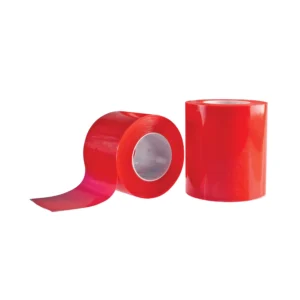
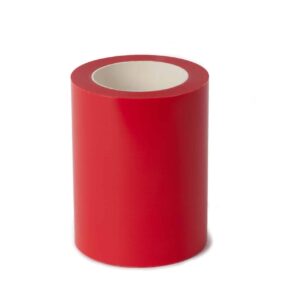
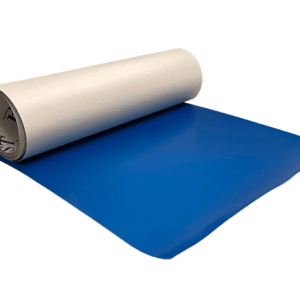
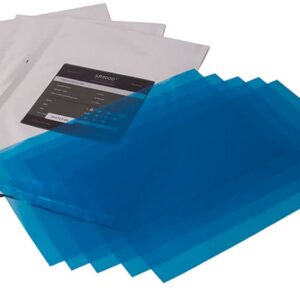
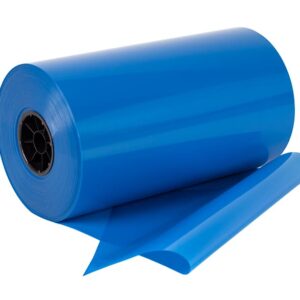
A high-resolution photo resist film with an inherent self sticking quality enabling etchers to achieve the finest detail and deepest etch in the sandcarving industry.
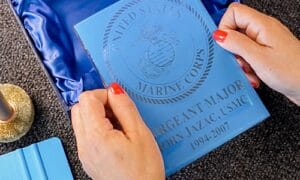
Apply Mask
Apply the photo mask to a dust and debris-free area where you'd like to etch your image.
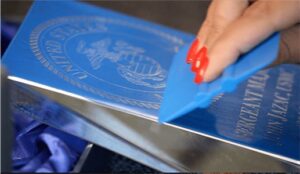
Squeegee Mask to Substrate
Use plastic squeegee and apply pressure to secure the photo mask to the substrate.
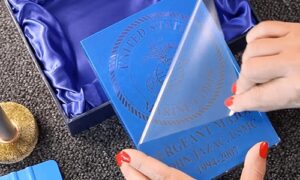
Remove Protective Liner
Remove clear liner from mask. This is to maintain the integrity of the masking and image.
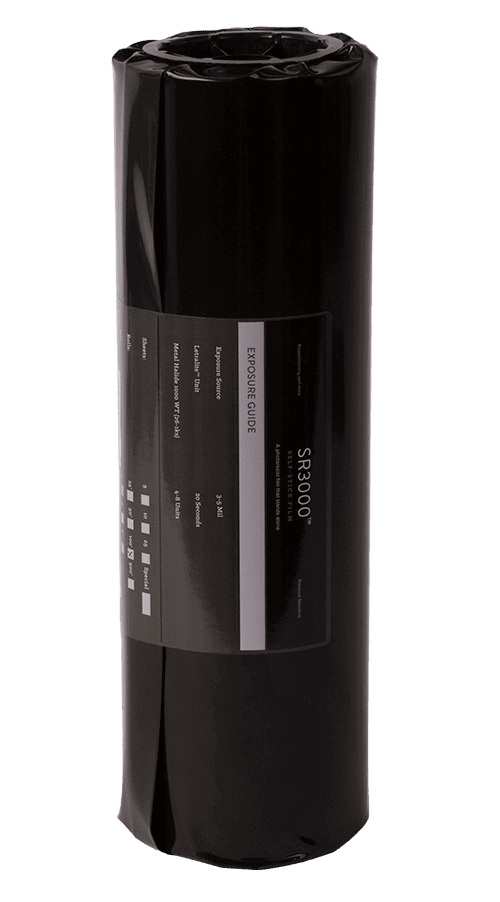
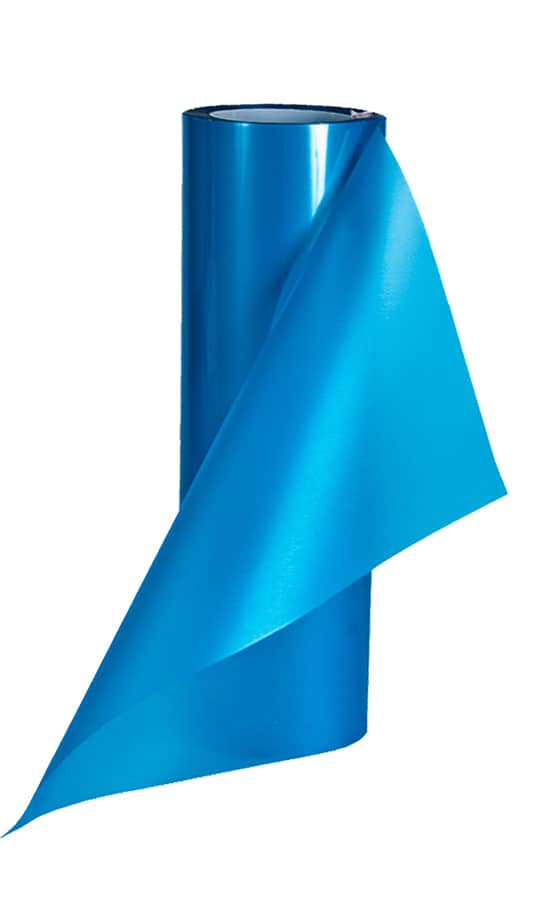
Determine the bond strength for the project. Apply RZ2 brush-on adhesive to photomask stencil. RZ2 adhesive provides a strong tack for the photo resist stencil to adhere to unpolished surfaces or an aggressive sandblast. RZ3 spray on adhesive is also available.
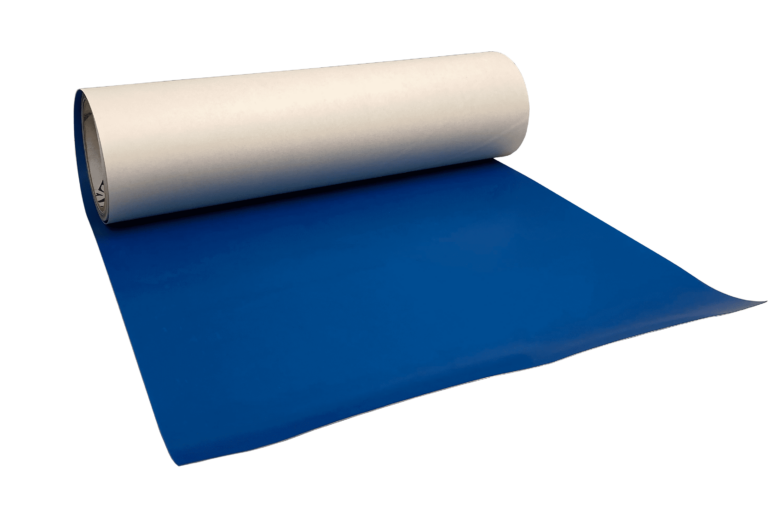
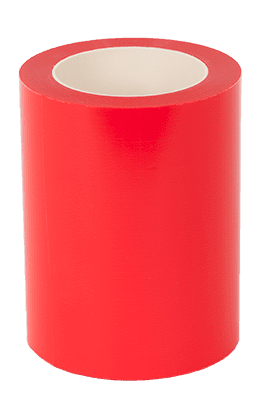
LASER the design. Apply LazerMask™ Sandcarving film to the substrate and laser. The laser will create the Sandcarving stencil.
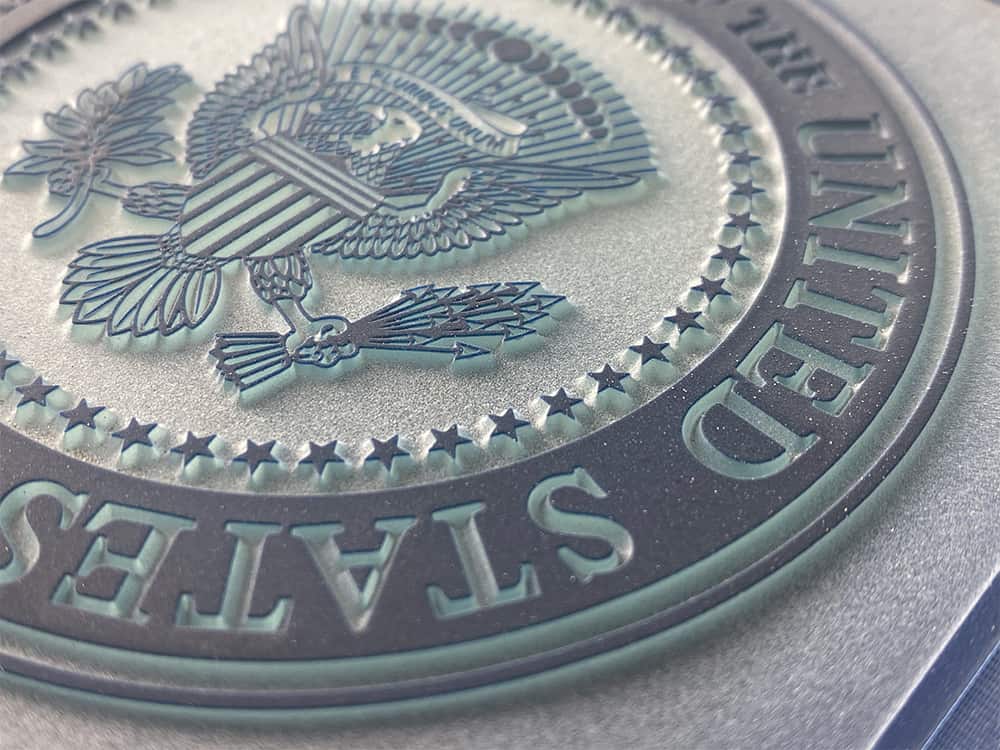
CARVE the item for depth with Aluminum Oxide or Silicon Carbide 120-150 grit is recommended to use with LazerMask™ film. Sandblast pressure 20-50PSI for best results. Leave the LazerMask™ stencil on and add an optional paint fill.
CREATE beautiful sandcarved items such as spirit bottles, crystal awards, stone and wood materials using LazerMask™ film.

LASER the design. Apply Monument LazerMask™ Sandcarving film to the substrate and laser. The laser will create the Sandcarving stencil.
CARVE the item for depth with Aluminum Oxide or Silicon Carbide 100-150 grit is recommended to use with LazerMask™ film. Sandblast pressure 40-60PSI for best results. Leave the LazerMask™ stencil on and add an optional paint fill.
CREATE sandcarved items such as donation bricks, granite pavers, memorial stones and wood materials using Monument LazerMask™ film.